PC requirements
Windows 10/11, Steam or EA app, and patch-day status — what to verify before your first session.
Pc Requirements: PC compatibility
Tools run as external overlays and loaders on Windows — not on console. Match your game client (Steam or EA app) to the build notes on the buy page before you purchase.
Windows 10 and 11
Use a clean Windows 10 or 11 install with current updates. Close conflicting overlays (Discord, GeForce Experience hooks, RGB tools) before first inject — the setup forums walk through exclusions step by step.
- 64-bit Windows 10 or 11
- Administrator rights for loader setup
- Defender exclusions for the delivery folder
Steam and EA app
Supported clients are Steam and the EA app. Verify Active status after every seasonal patch — loading while status shows Updating wastes a session.
Typical modules
Player visuals, optional combat assist with FOV and smooth sliders, loot tags for death boxes and care packages, and a 2D radar for squad awareness in trios and ranked.
Before you buy
Read requirements here, review risks on the status guide, compare plans on the comparison page, then checkout when status is Active.
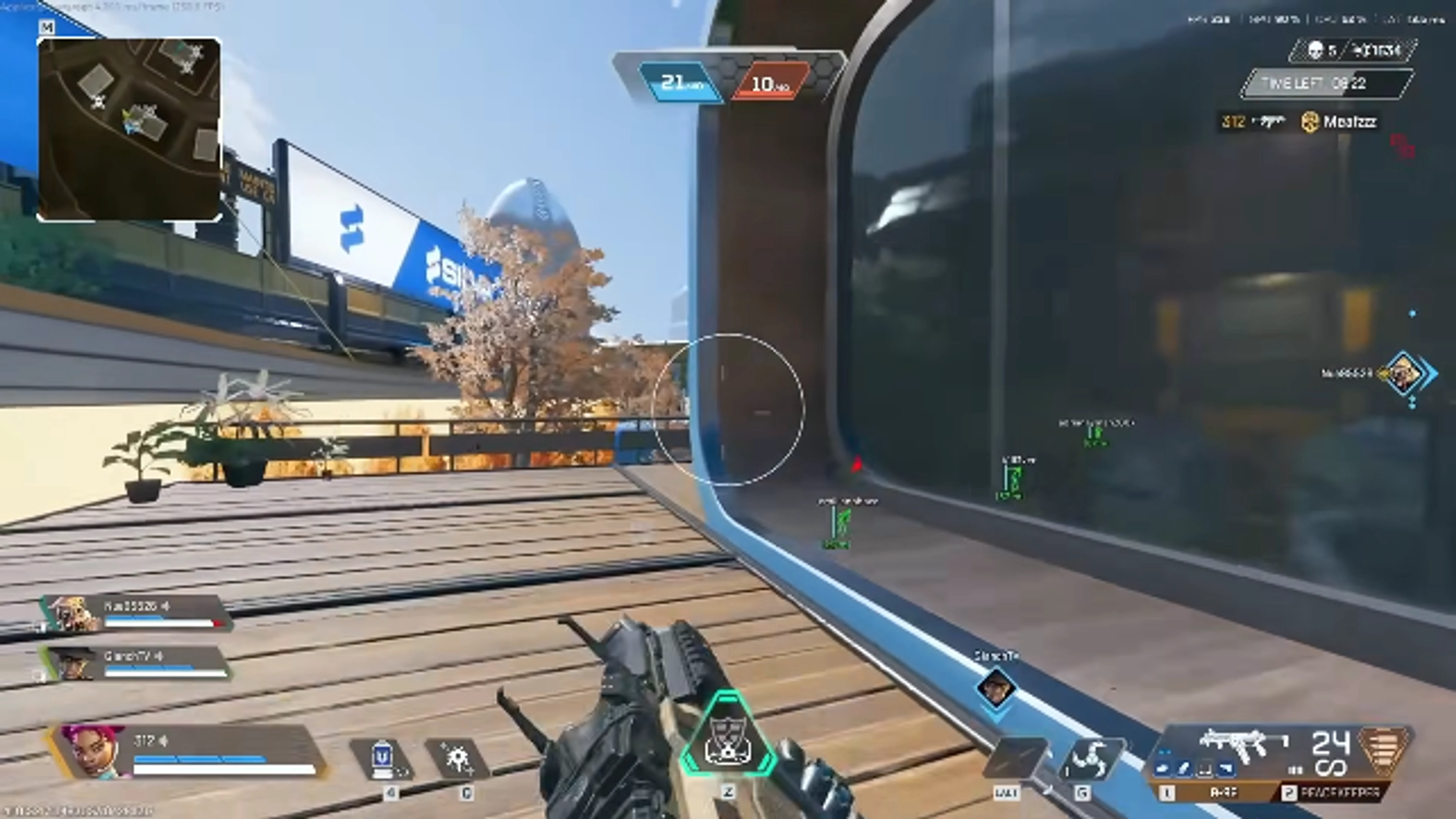
Apex Legends PC cheat FAQ
Short answers — see the full FAQ for delivery and loader detail.
Do builds work on Steam and the EA app?
Yes, when status is Active and you use a supported Windows client listed on the buy page. Re-check after patches.
Which Windows versions are supported?
Windows 10 and 11 (64-bit) with current updates. Follow antivirus exclusion steps in the setup forums before first inject.
Can I run cheats on console?
No. These tools are built for PC only. Console platforms are out of scope.